DEMO:Wandering Earth
This document mainly introduces the usage of the Wandering Earth demo.
1.Demo Scene Design
The demo is based on the story background of The Wandering Earth 1 and The Wandering Earth 2.
Based on the plot, a graph structure is designed, including three types of points: organization, character, celestial body, and facility, and two types of edges: event and relationship.
Prepared data corresponding to the schema based on the plot.
Prepared some queries to ask questions about the plot.
2.Directory structure
rawdata: Original plot data and schema definition files.
case.cypher: Cypher statements related to queries.
control.sh: Script to control the start and stop of TuGraph Server. lgraph_standalone.json: Configuration file for starting TuGraph Server.
3.Instructions for Use
Prerequisite: TuGraph is installed.
4.Data Import
Modify DATA_PATH in import.json according to the data storage directory.
Refer to the load function in control.sh to load data.
Refer to the start function in control.sh to start TuGraph Server.
After starting TuGraph Server, access ${HOST_IP}:8888 to open the web page and confirm whether the data is successfully imported.
5.Cypher Query
Refer to the Cypher document and enter Cypher in the TuGraph web page frontend for queries.
6.Usage Display
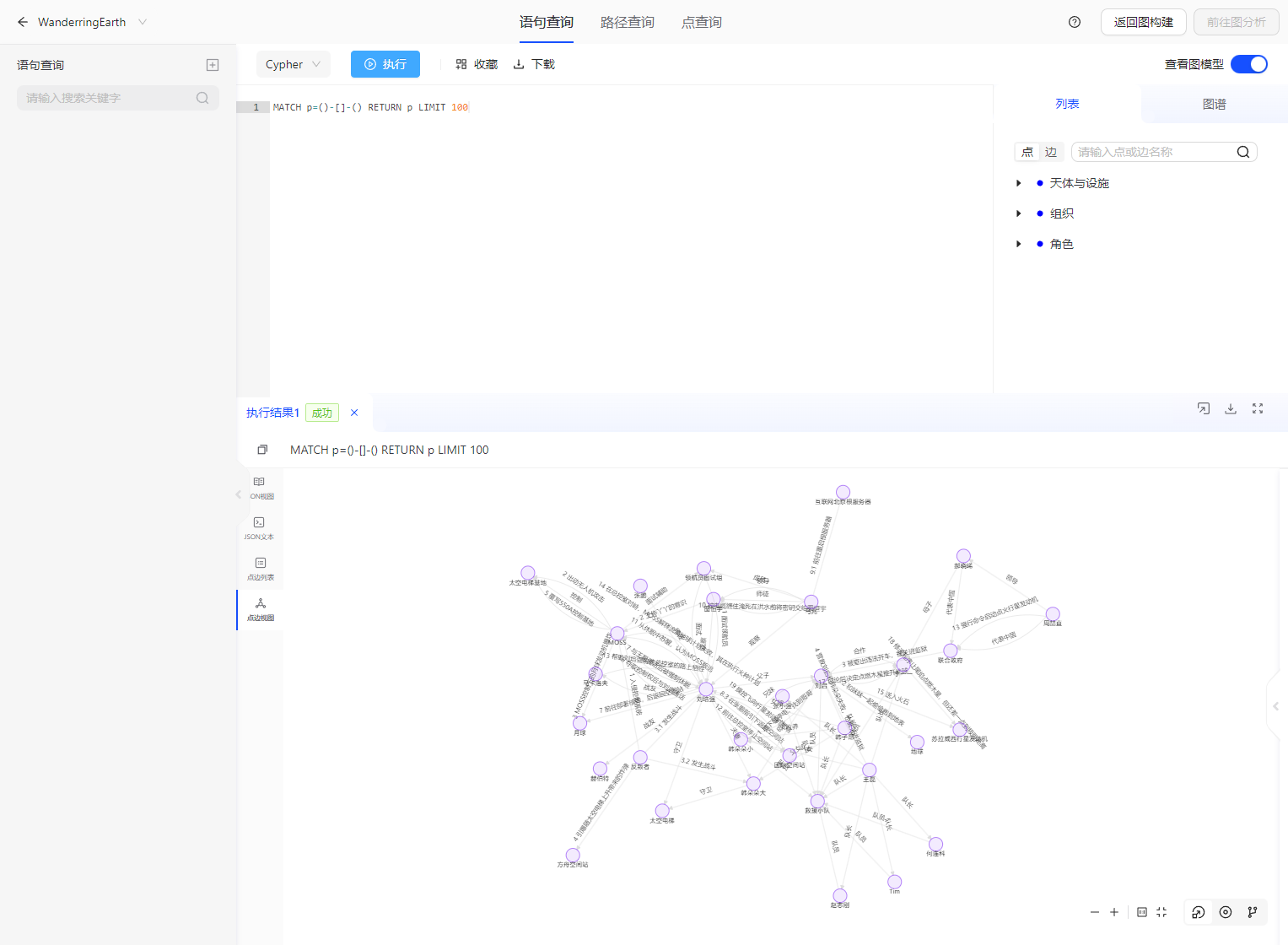
6.1.Data Import Display
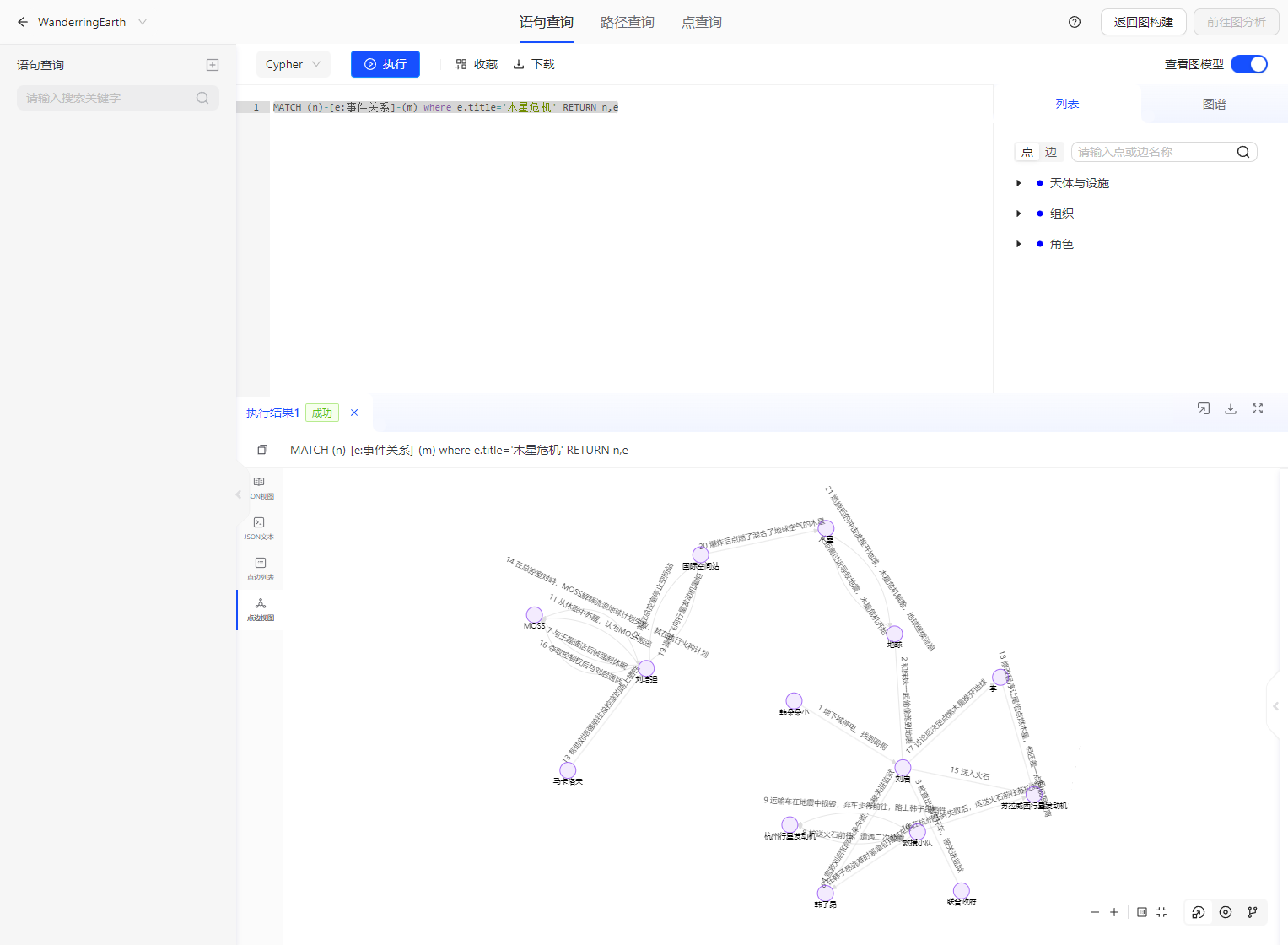
6.2.Query Display
Query all event processes related to the crisis on Jupiter.
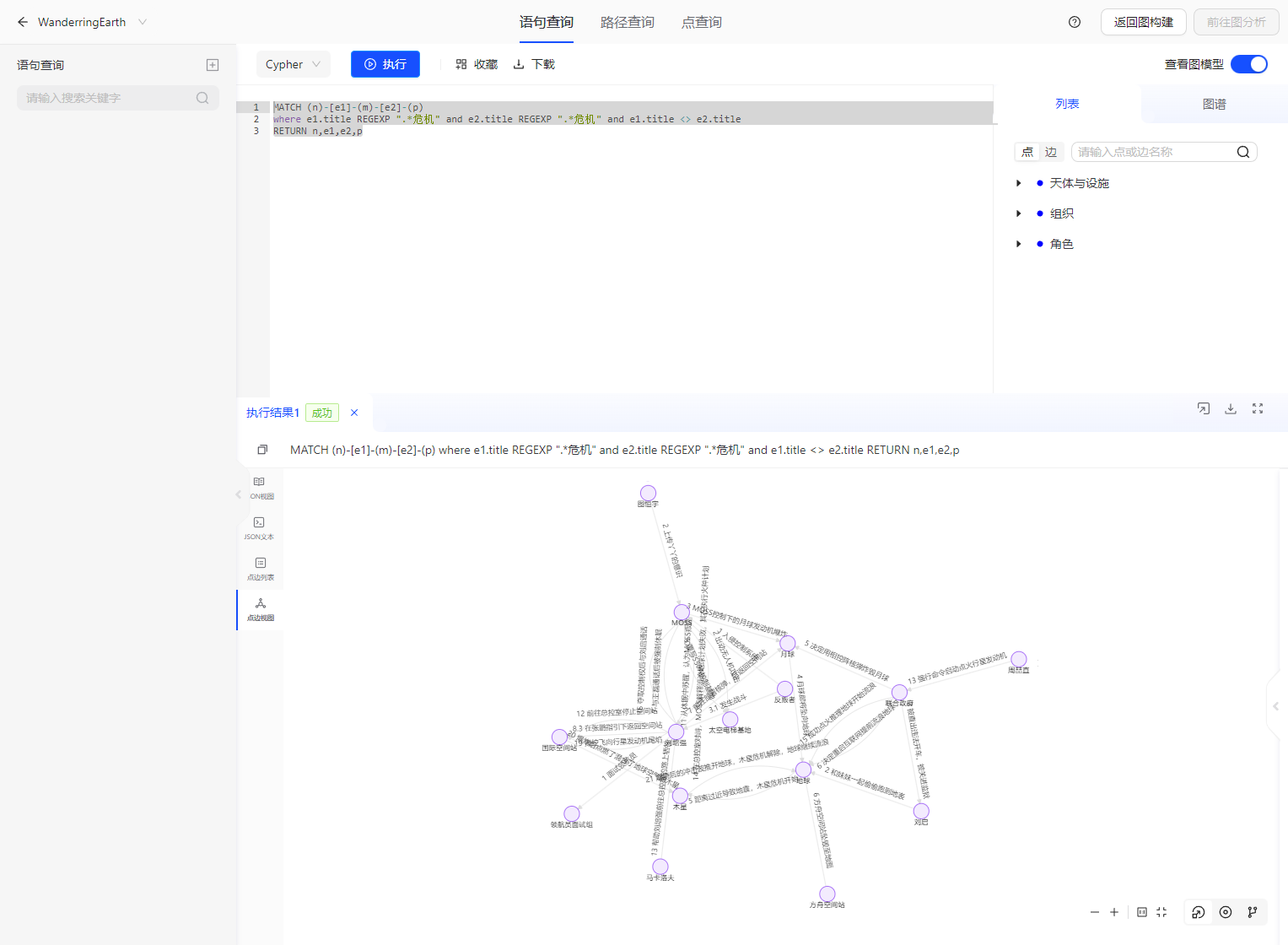
Query all event processes related to all crises.